How to Choose and Use a Creative Business Postcard Template Effectively
Marketing your business through postcards can be an incredibly effective strategy, especially when done right. A Creative Business Postcard Template is a ready-made design that you can customize for your brand or campaign. These templates are typically used for promotions, event invitations, announcements, or direct mail marketing. When chosen and utilized properly, they help businesses communicate their message clearly while maintaining a professional appearance.
What Is a Creative Business Postcard Template?
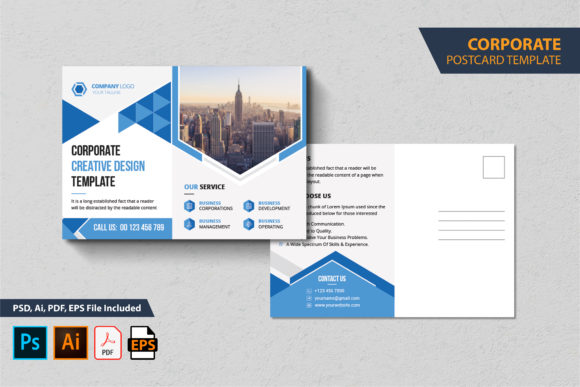
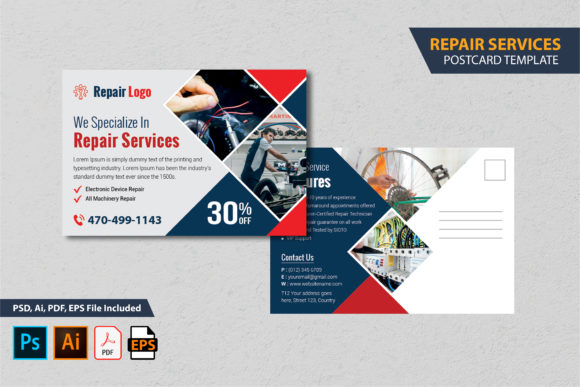
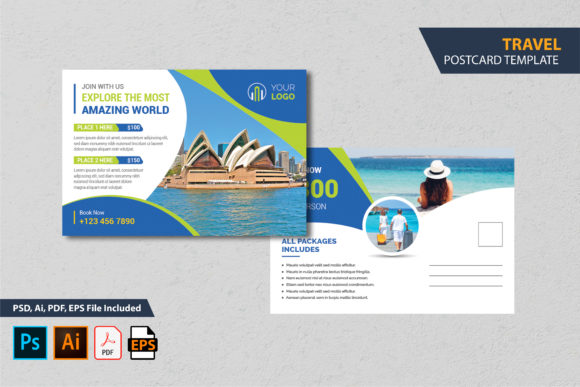
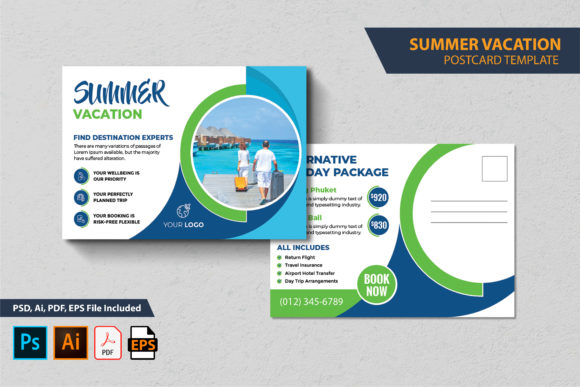
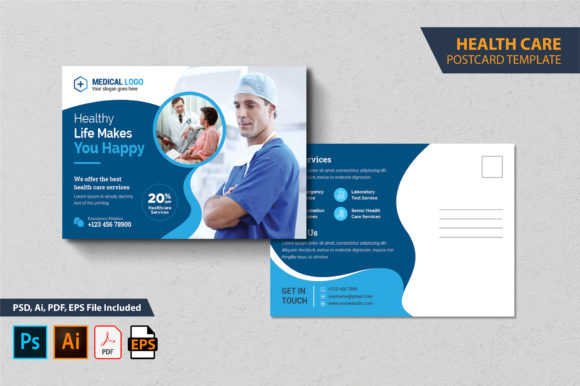
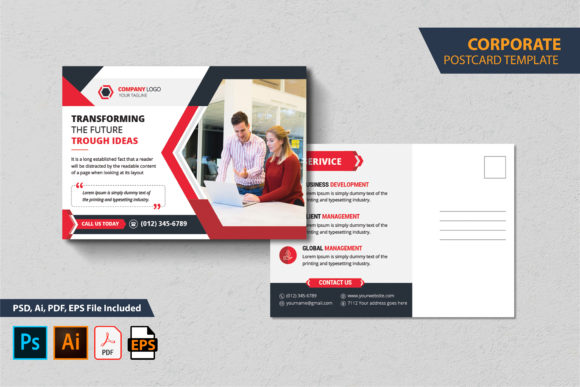
A Creative Business Postcard Template is a pre-designed layout in high-resolution format (often as PSD, AI, EPS, or PDF) that allows users to insert their own text, images, logos, and branding elements. It serves as a foundation for creating visually appealing and print-ready postcards without requiring advanced graphic design skills. These templates are often layered, making it easy to edit specific components without affecting the entire design.
For instance, a typical template might include placeholders for headlines, body copy, call-to-action buttons, contact information, and product images. With fonts and color schemes already set up for optimal readability and aesthetics, you can focus on tailoring the content rather than starting from scratch.
Common Mistakes When Choosing a Creative Business Postcard Template
- Ignoring File Formats: Many people download a template only to find out later it’s not compatible with their software. Always check if the package includes formats like PSD or AI that match your editing tools.
- Overlooking Print Specifications: If the template isn’t print-ready—such as being in RGB instead of CMYK mode or lacking bleed areas—it could result in poor print quality. Look for templates that specify they’re at 300 DPI and include proper bleed settings.
- Assuming Mockups Are Included: Some buyers expect all preview images and photos to be part of the main file. However, most Creative Business Postcard Templates use stock images or mockups for display purposes only. You’ll need to source your own media.
- Not Reading the Read Me File: The included “Read Me” guide is essential for understanding how each layer works and where to make changes. Skipping this step can lead to confusion and unnecessary errors during customization.
How These Mistakes Impact Your Business Results
Choosing the wrong template or misusing it can affect your marketing outcomes in several ways:
- Professionalism: A poorly formatted or low-resolution postcard may look unprofessional, which can damage your brand image.
- Cost Efficiency: Rushing to print due to last-minute fixes or incorrect file setups can lead to costly reprints and delays.
- Communication Clarity: Without clear guidelines, you risk misplacing key information such as your logo, address, or special offers, making the postcard less effective.
- Time Wasted: Not knowing how to properly edit layers in Adobe Illustrator or Photoshop can slow down your workflow and reduce productivity.
1. Understand What You Need Before Buying
Before selecting a Creative Business Postcard Template, define your purpose. Are you promoting a new product? Inviting clients to an event? Or sharing a limited-time offer? Knowing your goal helps you choose a template with the right structure and tone.
Example: If you’re launching a summer sale, pick a template with warm colors and bold typography to grab attention. Avoid overly complex designs that distract from the key message.
2. Check the Technical Specs
Ensure the template meets standard print requirements. Most professional printing services require files to be at least 300 DPI and in CMYK color mode. Also, confirm the dimensions include the correct bleed area (like 6x4 inches with 0.25-inch bleed) to prevent unwanted white borders after trimming.
If you're unsure about these terms, read the “Read Me” file carefully or consult a designer. It’s worth the time to avoid expensive mistakes later.
3. Use High-Quality Images and Fonts
Since the template doesn’t include actual photos or mockups, it’s important to source your own. Use high-resolution images relevant to your message. Also, verify that the fonts provided are free for commercial use. The “Read Me” file usually links to where you can download them legally.
Pro Tip: Always replace placeholder images with your own branded visuals. This makes the postcard feel authentic and tailored to your audience.
4. Follow the Layer Structure
Templates labeled as “100% layered and fully editable” are designed for ease of use. That means every element—text, graphics, background—is separated into its own layer. Don’t flatten the design before finalizing; doing so removes your ability to tweak individual parts.
Use Adobe Illustrator or Photoshop CS versions up to CC 2020 for compatibility. If you’re using an older version, test the file first to ensure it opens correctly.
5. Test Your Design Before Printing
Always do a soft proof or print a small batch before going full-scale. This helps catch any issues like color mismatches, alignment problems, or missing elements. A minor error in the digital version can become glaringly obvious once printed.
Realistic Examples of Good vs. Poor Use
Poor Example: An entrepreneur buys a Creative Business Postcard Template but ignores the bleed specifications. After sending the file to print, the edges get cut unevenly, resulting in incomplete graphics around the border. This looks unprofessional and wastes money.
Better Approach: The same entrepreneur reads the “Read Me” file, adjusts the design within the specified bleed area, and replaces all placeholder content with high-quality assets. The final postcard is clean, consistent, and ready for mass printing.
Poor Example: A blogger downloads a template in PDF format only, assuming it can be edited easily. They quickly realize they can’t modify the text or images, leading to frustration and wasted time.
Better Approach: The blogger ensures they select a template that includes editable vector files like AI or EPS. They then open the file in Adobe Illustrator, follow the layer instructions, and make quick, accurate changes.
What to Check Before Making a Decision
To avoid common pitfalls, consider the following checklist before downloading or purchasing a Creative Business Postcard Template:
- Does it support the file formats I need (PSD, AI, EPS)?
- Is it in CMYK color mode and at 300 DPI for print?
- Are there bleed areas defined (usually 0.25 inches)?
- Does it include a detailed “Read Me” guide for editing?
- Are the fonts free for commercial use and linked in the guide?
- Can I access all layers and adjust them freely?
- Is the template suitable for my intended use case (e.g., promotional, informational, invitation)?
Final Thoughts on Using a Creative Business Postcard Template
A Creative Business Postcard Template is more than just a design—it's a tool that, when used wisely, can enhance your marketing efforts and save you time. By avoiding the common mistakes outlined here and taking the time to understand what you're working with, you’ll ensure your postcards look great both online and in print.
Remember, the goal is to create something that represents your brand accurately and effectively communicates your message. Whether you’re a seasoned marketer or a first-time user, investing a few extra minutes in preparation can lead to big returns in customer engagement and satisfaction.